Set a PTR / Reverse DNS record for an IPv4 or IPv6 address from your server controls.
Steps
- Sign in to the client area and open Services.
- Choose the active service you want to update.
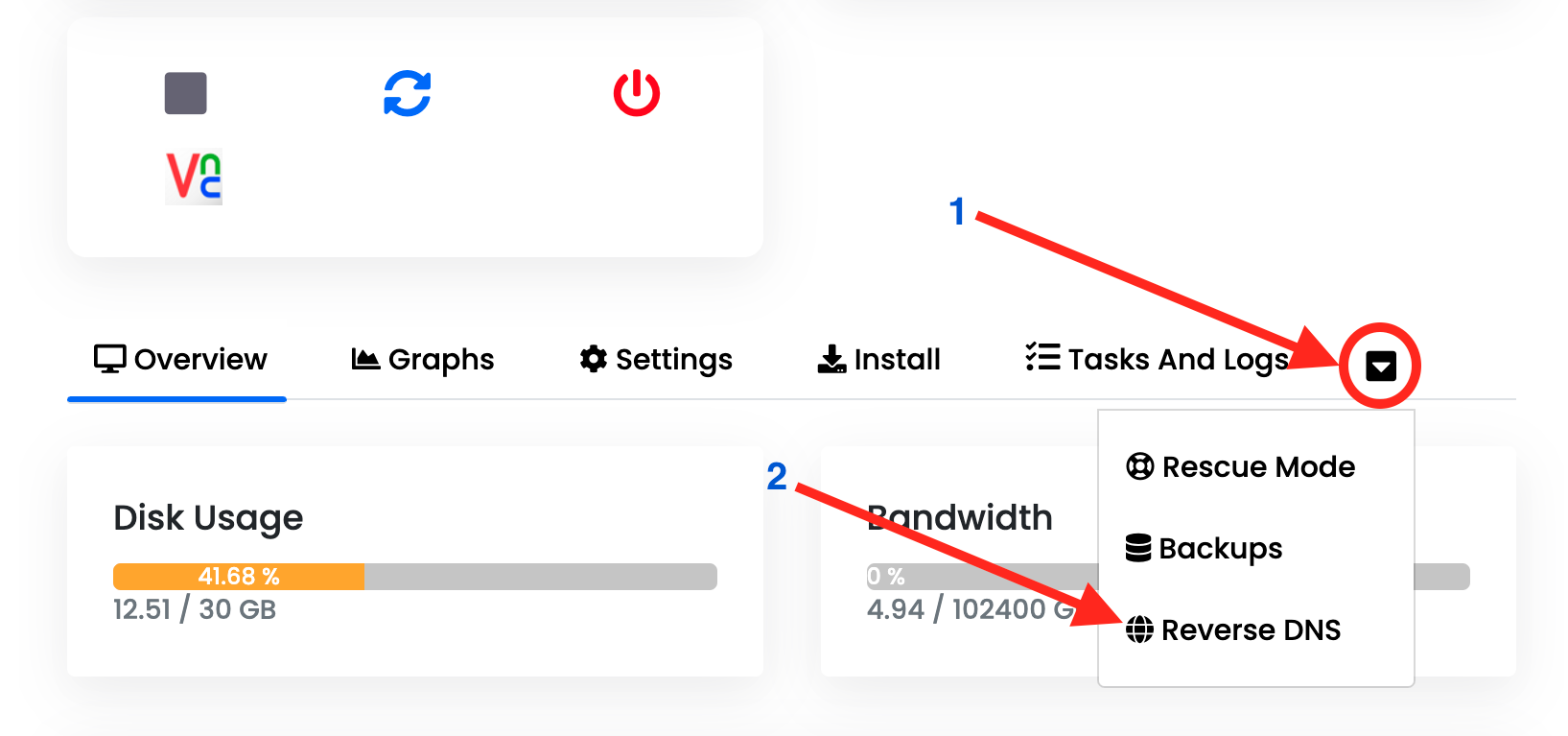
- In the server controls, open the additional options menu using the down-arrow shown as 1 below, then choose Reverse DNS, shown as 2.
- Set the PTR / Reverse DNS record for the required IPv4 or IPv6 address.
- Save and exit.
Where to find Reverse DNS